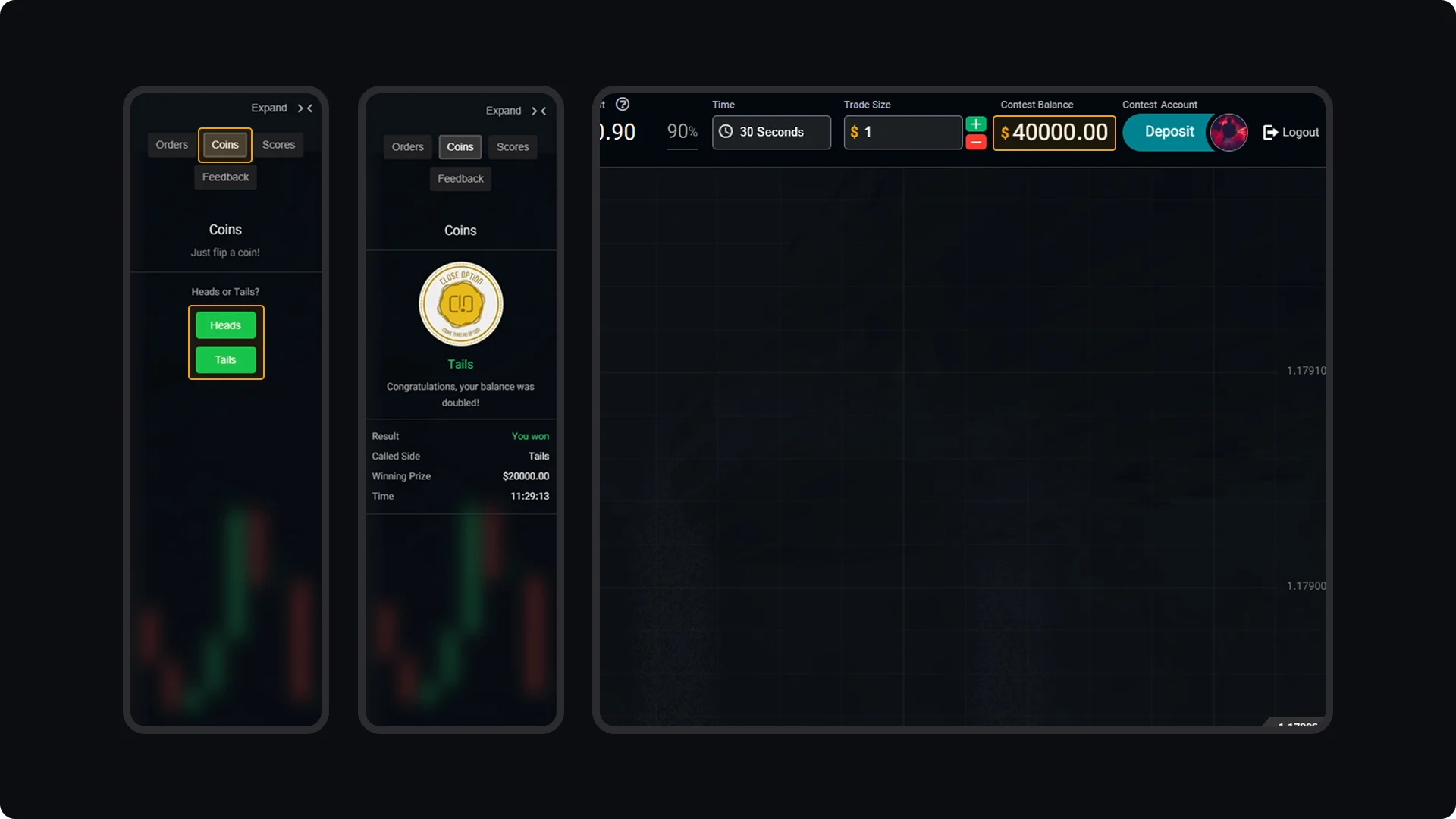
The Accelerator Coin becomes available once your initial balance has doubled. To use it, choose the moment when you want to double your current balance again. In your Trading Room, click on the Coins tab on the left side of the screen. You will be prompted to flip the coin by selecting either heads or tails. If the coin lands on your chosen side, your balance will be doubled, giving you the opportunity to significantly increase your profits.
CloseOption Tutorials
How to use CloseOption
How to Use the Accelerator Coin