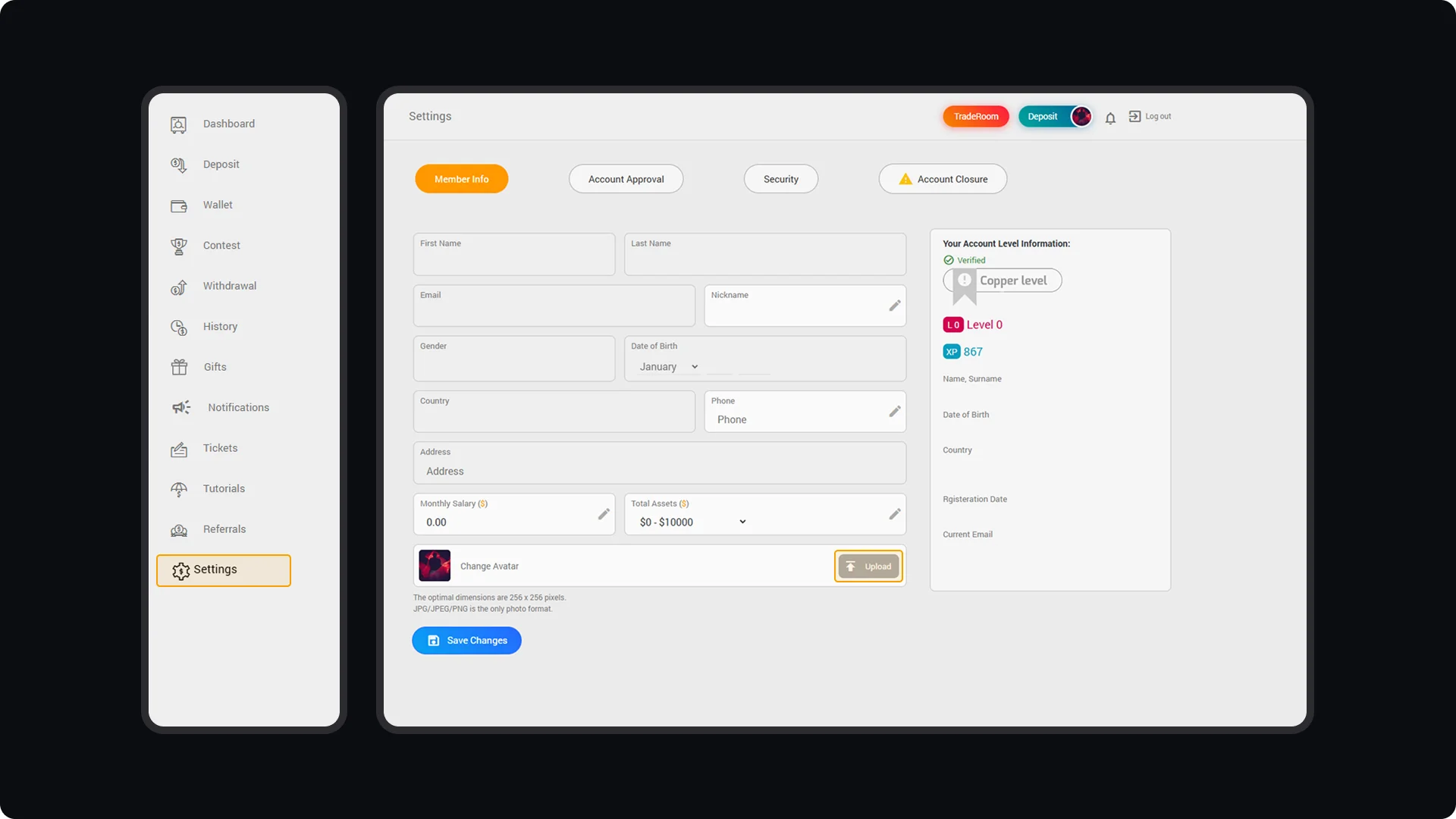
To update your profile information, log in to your CloseOption account and navigate to the "Settings" menu in your dashboard. In this section, you can manage all the personal details associated with your account. When uploading a profile picture, ensure the image dimensions are 256 x 256 pixels and the file format is JPG, as images that do not meet these requirements will not upload. Additionally, you can update other profile details, such as your nickname or salary, in this section. After making the necessary changes, be sure to click "Save Changes" to store your updates.
CloseOption Tutorials
How to use CloseOption
How to Update Your Profile Information