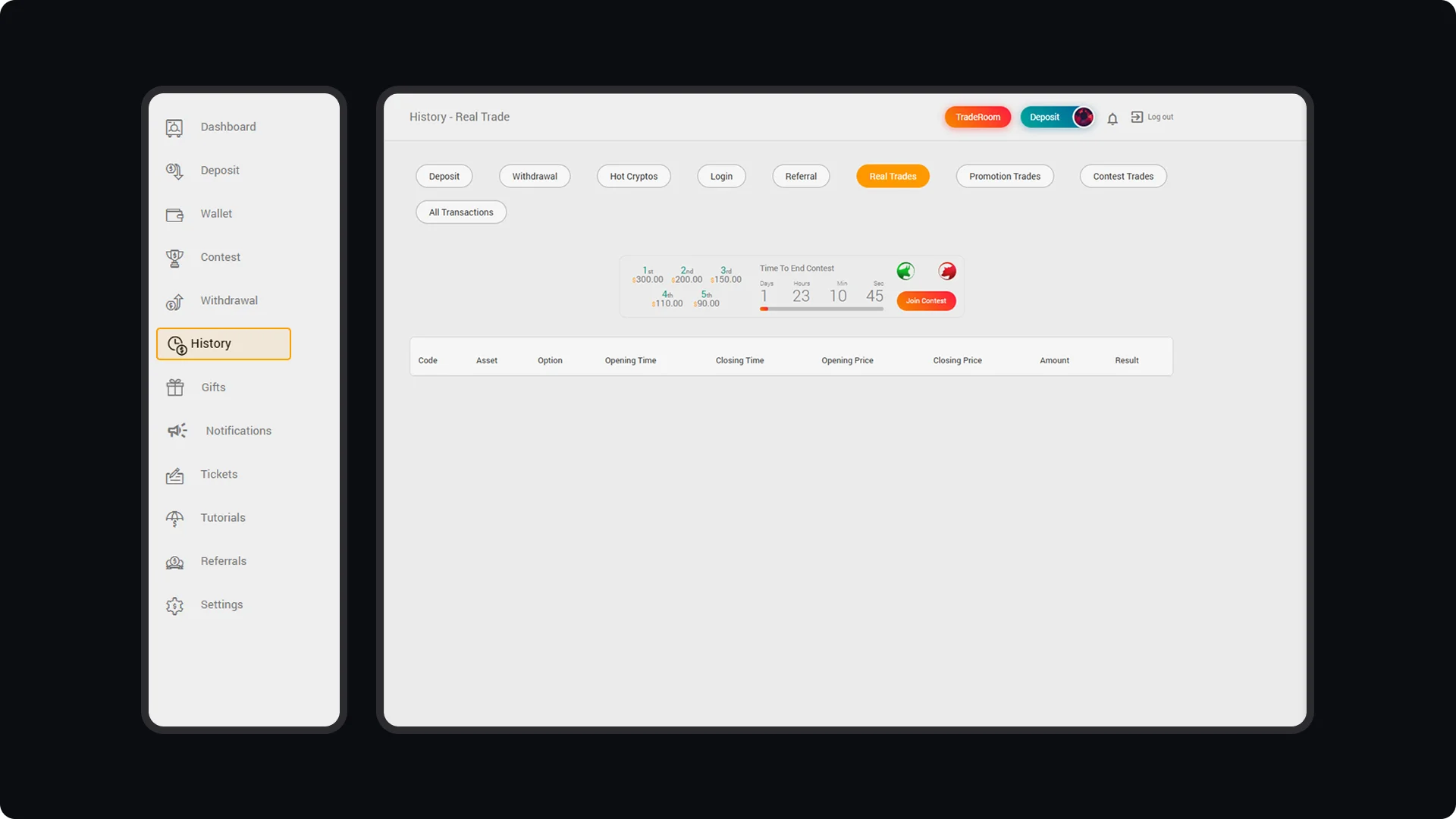
To track your trading activities and performance, go to the "History" menu in your CloseOption dashboard. This section provides a detailed record of your past activities, including deposits, withdrawals, login history, referrals, real trades, promotion trades, and contest trades. Reviewing these records helps you analyze your trading habits, assess past strategies, and refine your approach. By regularly reviewing your trading history, you can make more informed decisions, refine your strategies, and stay focused on achieving your trading goals.
CloseOption Tutorials
How to use CloseOption
How to Monitor Your Trading Performance