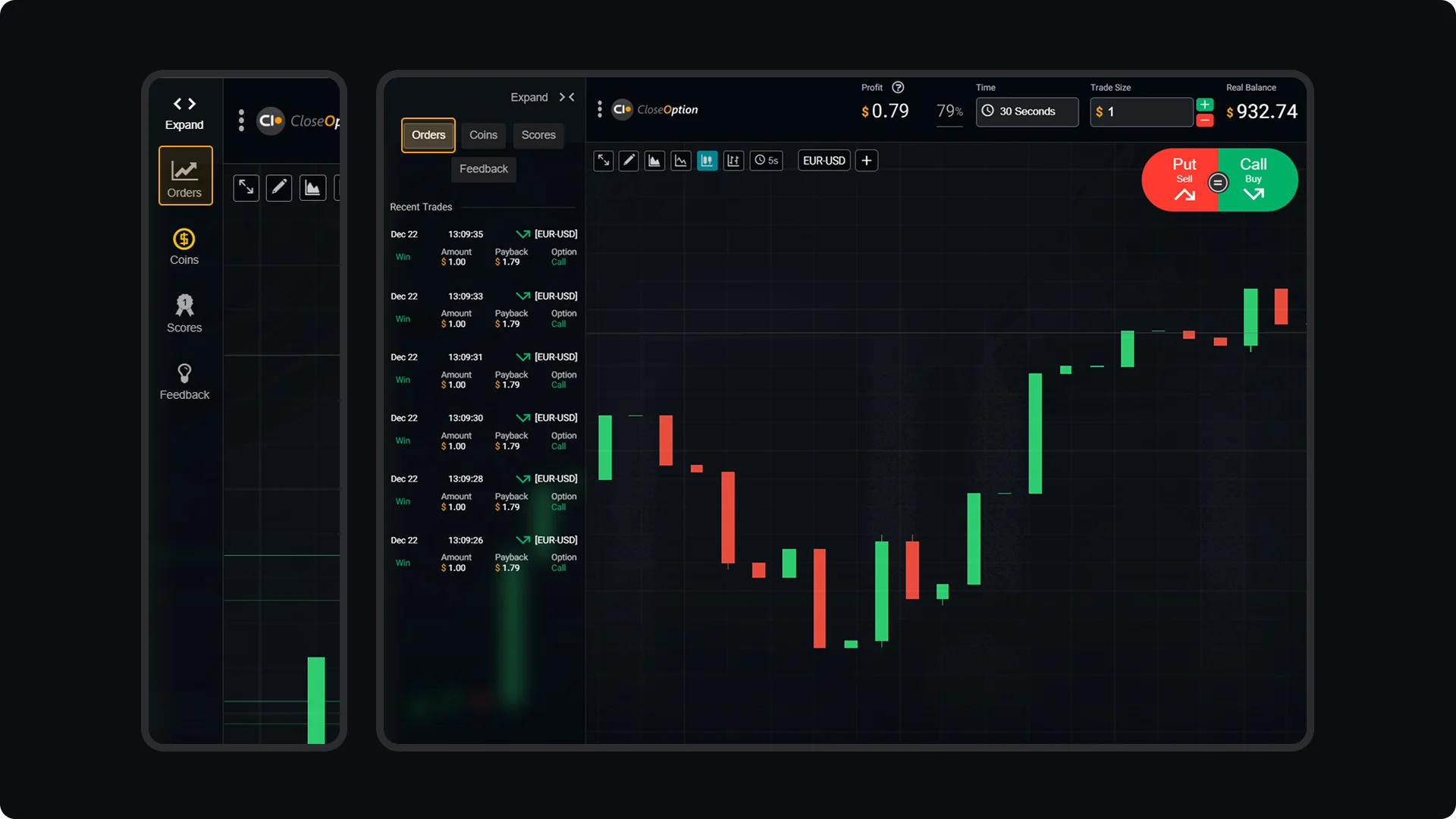
To view your recent trades and track your trading activities, go to your Trading Room. In the upper-left corner, you’ll find the "Orders" box, which provides a clear summary of your recent orders. This section displays important details for each trade, including trade size, payback, and other relevant information. Using this feature, you can quickly review your latest trades, monitor outcomes, and stay informed about your trading performance without leaving your active session.
CloseOption Tutorials
How to use CloseOption
How to Check Your Recent Orders History