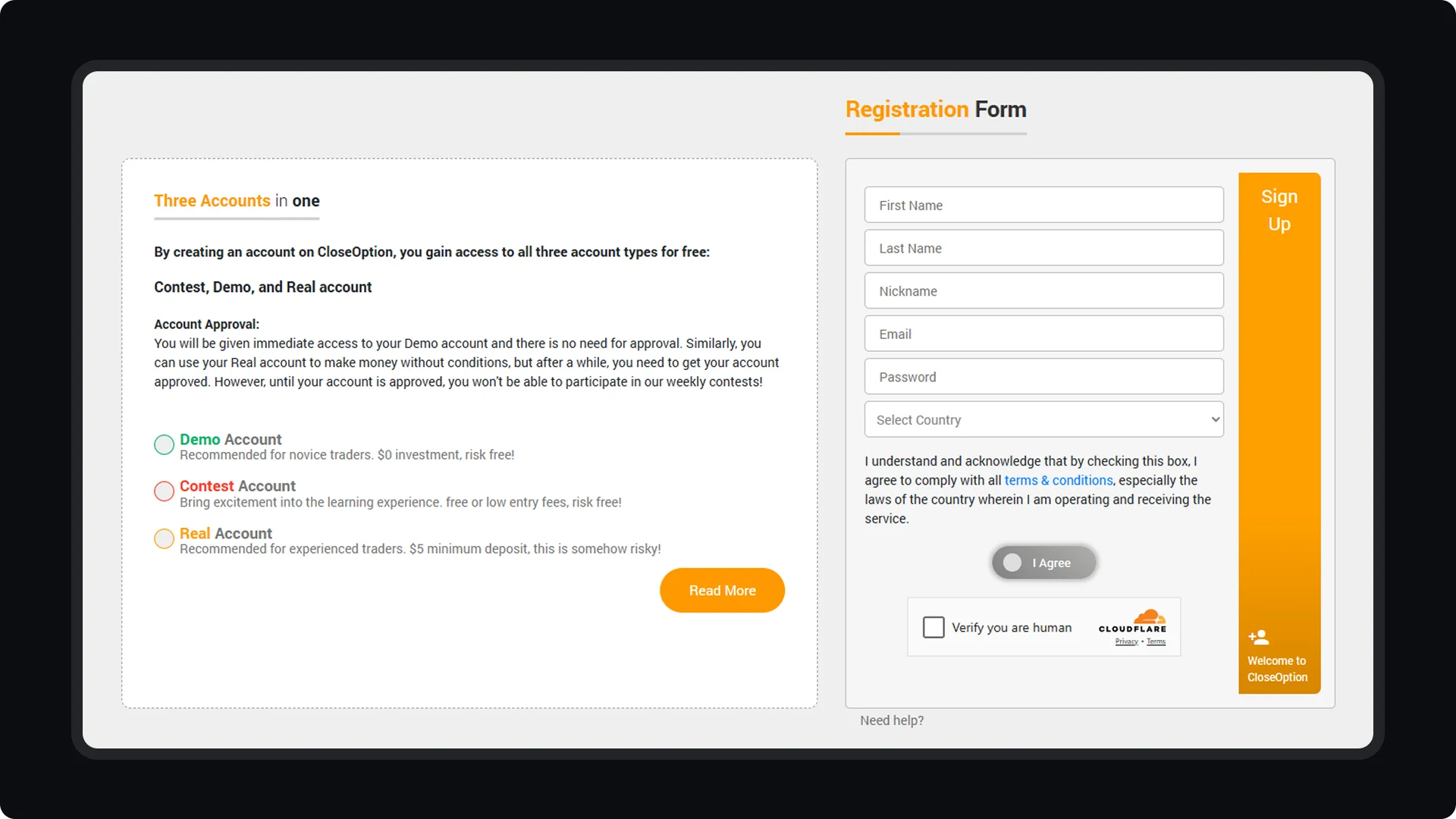
To create a CloseOption account, begin by filling out the registration form with your email address. After submission, you will receive an activation email. Check your inbox for the email and click on the activation link. This step is necessary to verify that you are the owner of the email address and that it is not a temporary or fake email. Once your account is activated, you can log in to access your dashboard, where you can manage your personal information and adjust account settings as needed.
CloseOption Tutorials
How to use CloseOption
How to Create and Activate Your CloseOption Account