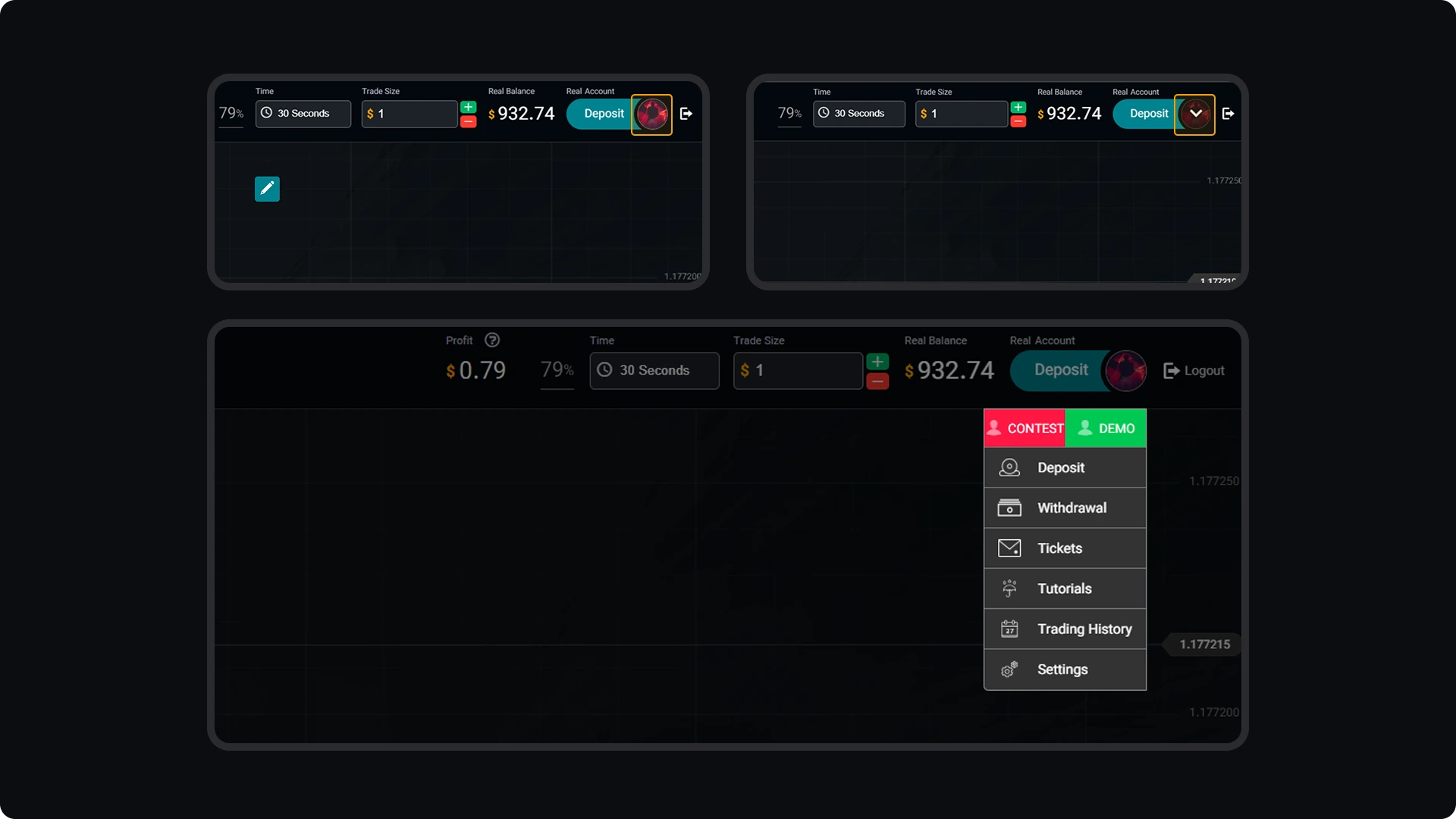
You can quickly switch between your demo, real, or contest accounts by clicking your profile picture in the upper-right corner of the Trading Room. From the dropdown list, select the account you want to access. This feature makes account management simple and convenient, allowing you to move between accounts without logging out or leaving the page.
CloseOption Tutorials
How to use CloseOption
How to Switch Between Account Types in Your Trading Room