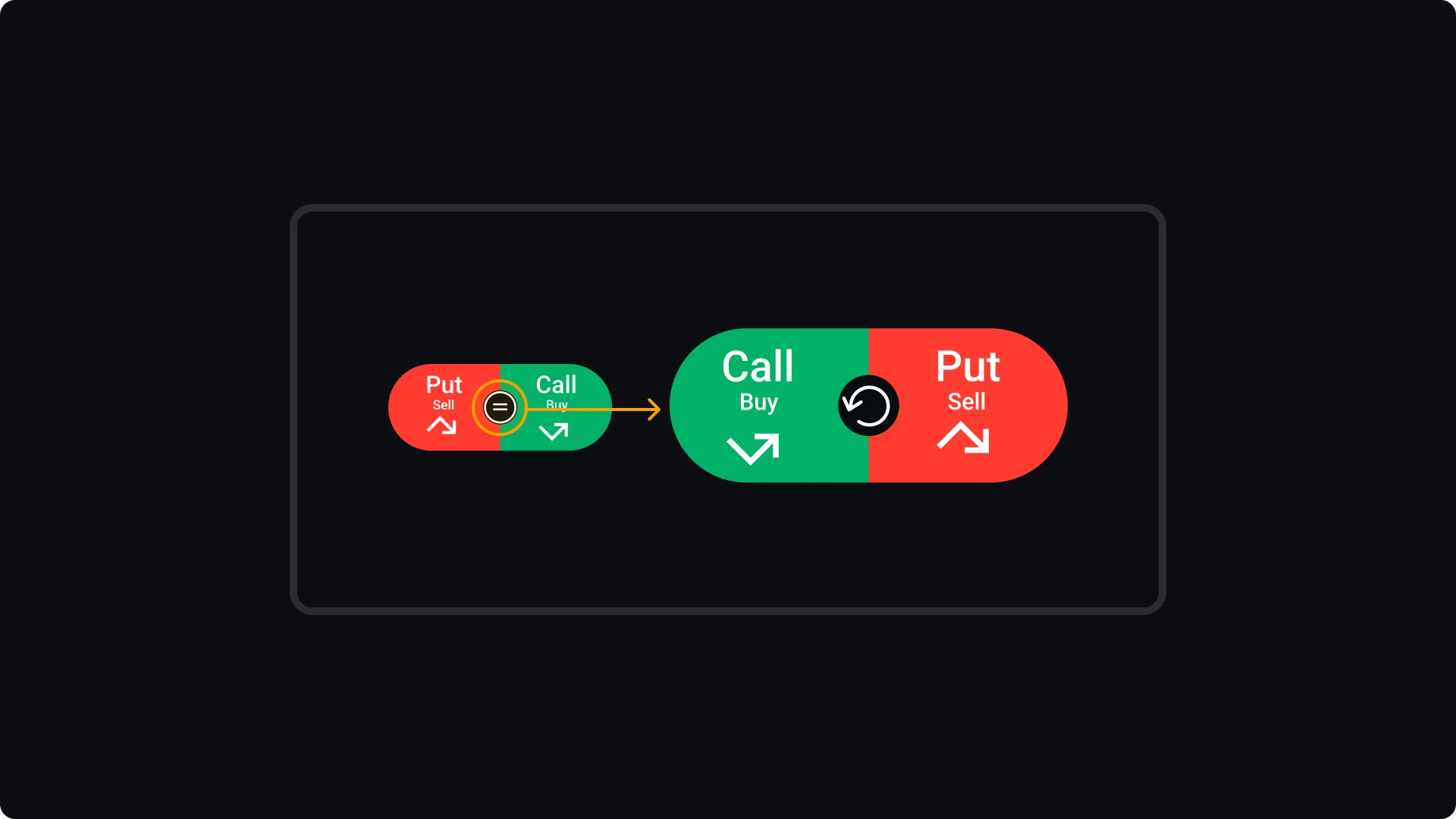
The Call/Put button gives you full control over your trade selection. You can choose Call (Buy) or Put (Sell) by clicking directly on the respective side of the button. Select Call if you expect the price to rise, or Put if you expect it to fall.
If you'd like to customise the layout, the equal sign in the center allows you to switch the positions of Call and Put with a simple click, rearranging them to suit your preference. Additionally, for even more flexibility, you can move the entire button to a more convenient location. Just click and hold the center of the button, drag it to your desired spot on the interface, and release it to lock it in place.